 Launchpack
OG image templates: eight layouts, ready to fill in
Pick a template, type your product name and tagline, drop a screenshot if you have one, and download the 1200 × 630 image. No Figma, no account, nothing uploaded.
Click a template below to open it in the Launchpack generator with its layout, colors and typeface already set. Change the name, tagline and color, add your screenshot, and download the 1200 × 630 PNG.
The OG image is free in every template, with a small "made with launchpack.pics" mark. The full launch kit (no mark, plus favicons, X, LinkedIn and Product Hunt images in the same style) is $9; the Centered, Bold and Minimal layouts and the phone frame are part of Pro.
Make my OG image → 1200 × 630, from your name and a screenshot. Free, in about 30 seconds.
The templates
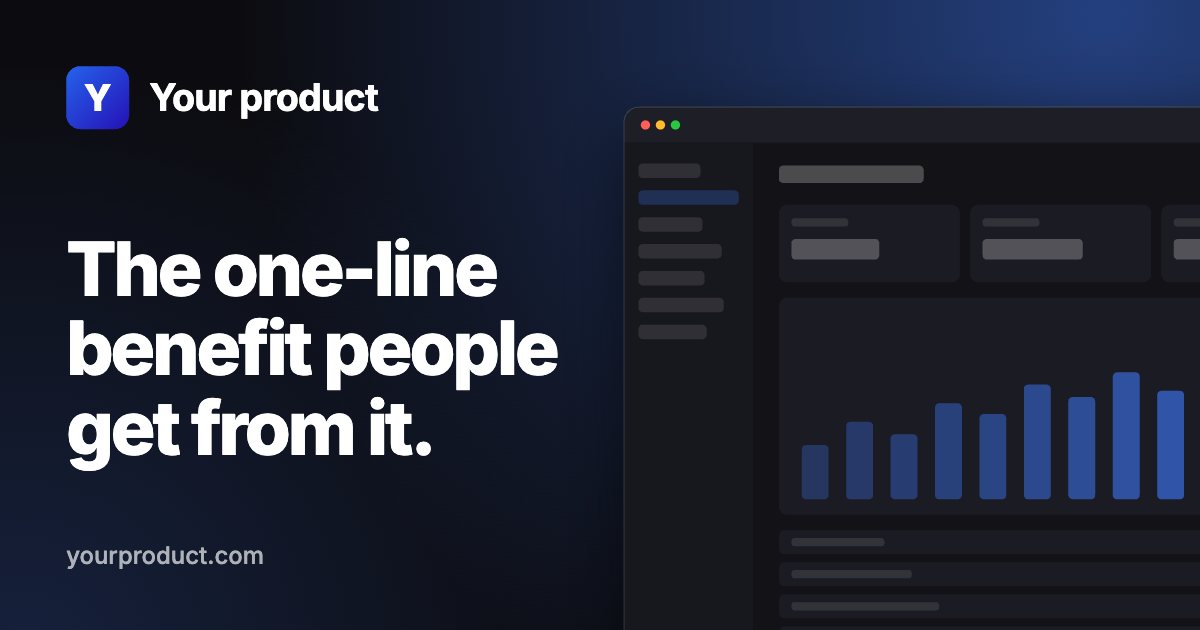
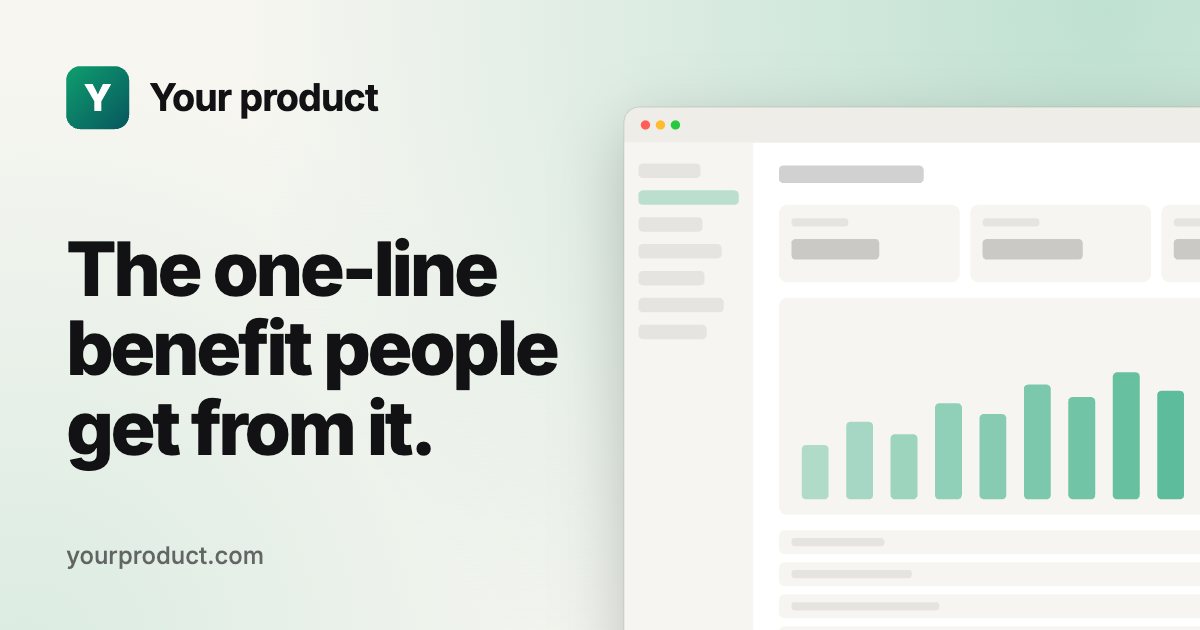
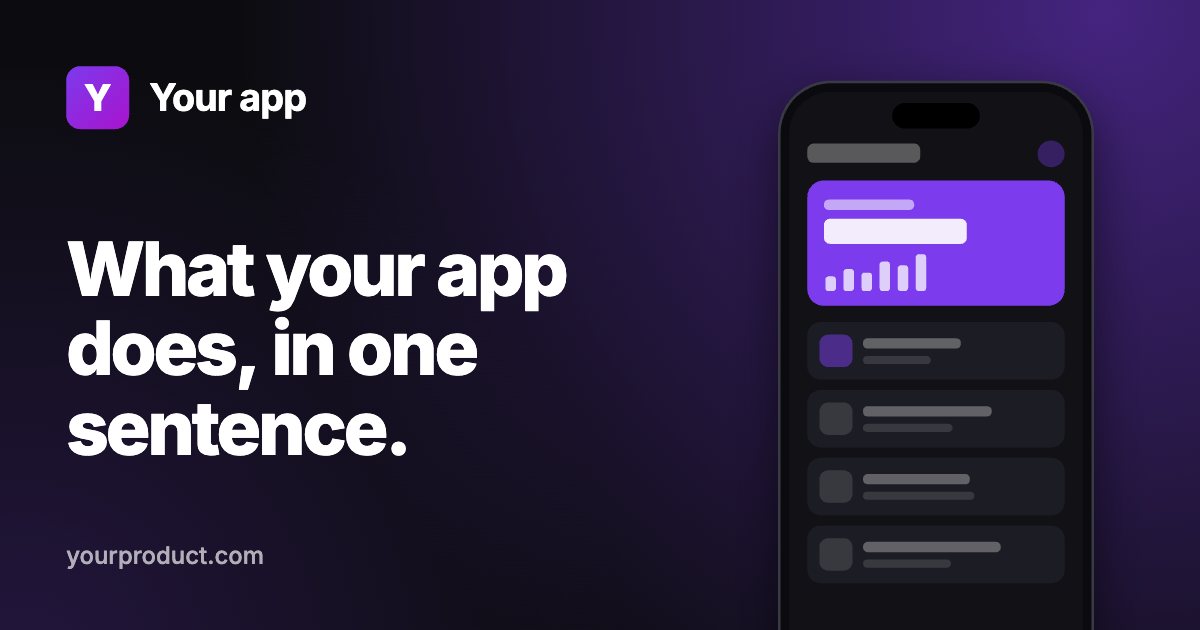
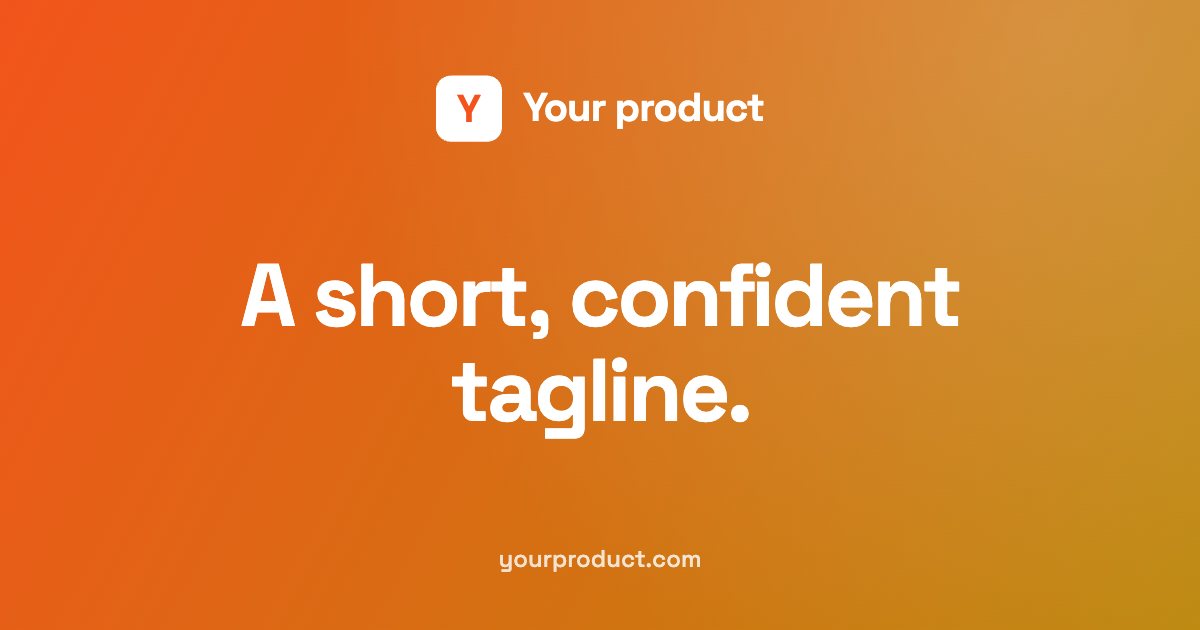
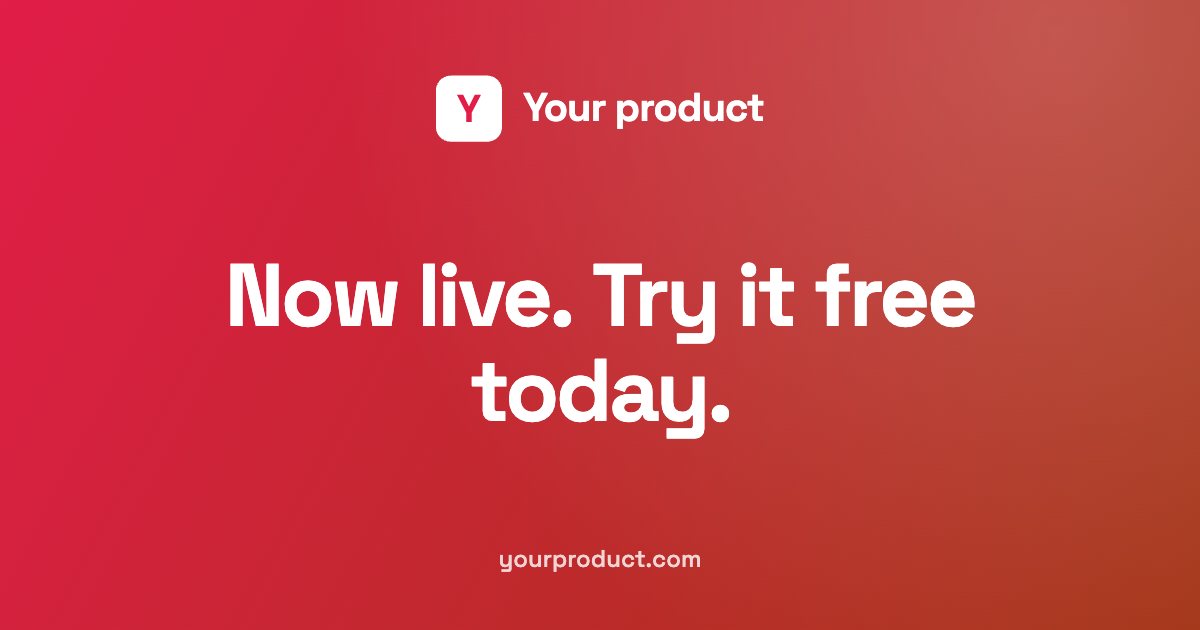
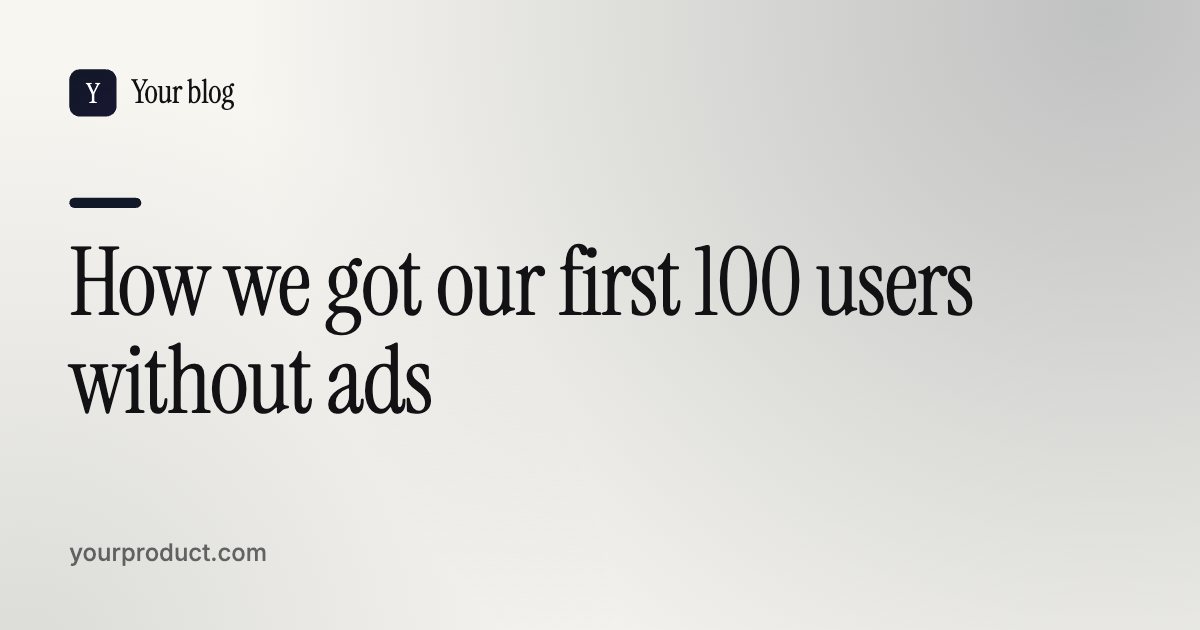
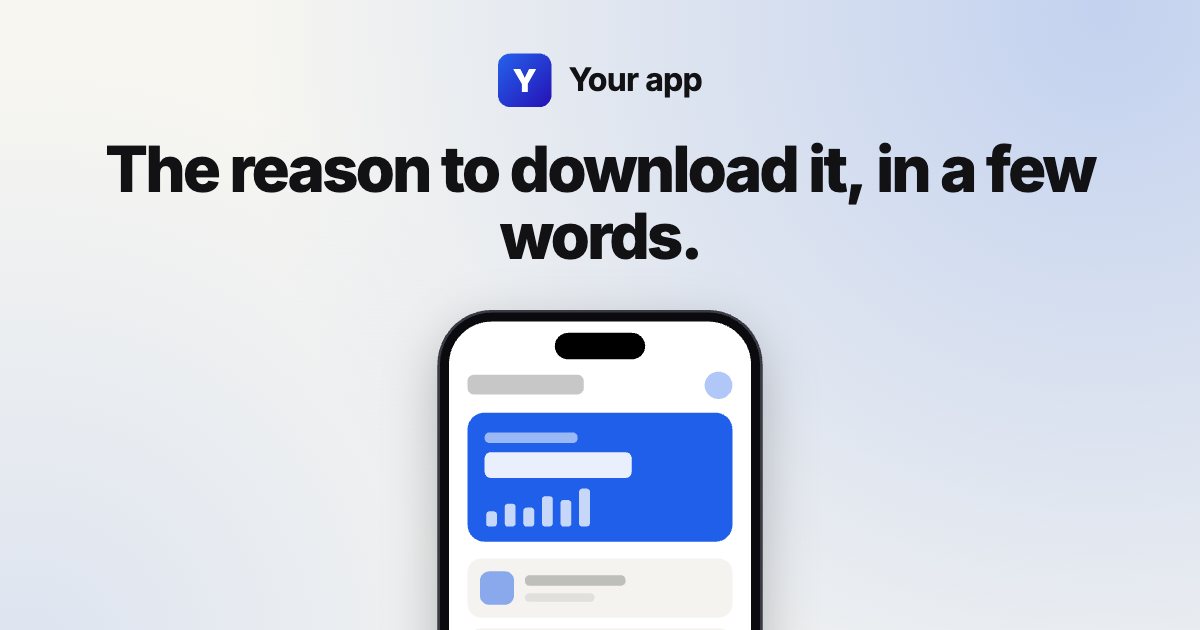
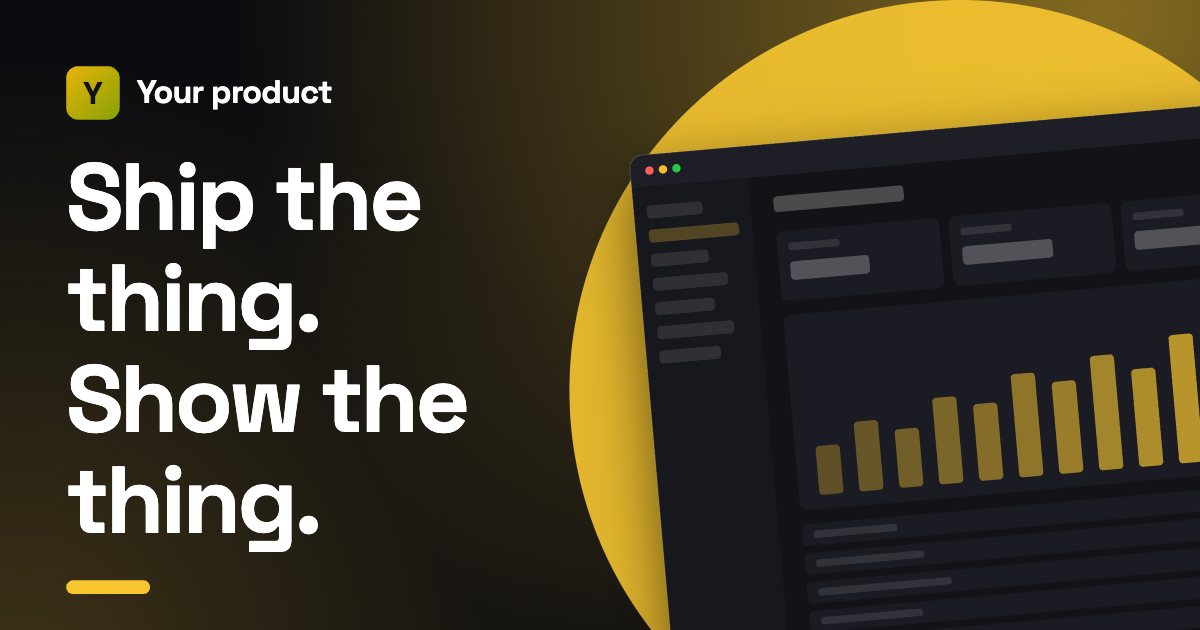
The previews show placeholder screens. With your own screenshot, the frame shows your product instead; see real examples.
Which template to choose
| You're sharing | Template |
|---|---|
| A web app or SaaS home page | SaaS (dark or light) |
| A mobile app | Mobile app, or Centered with phone |
| A landing page with no screenshot yet | Centered on brand color |
| A launch post or Product Hunt day | Launch announcement |
| A blog post or guide | Blog post title card |
Making it yours
- Keep the tagline to one line of benefit. Previews are shown small; six to ten words read best.
- Use your real brand color with the color picker; the background, accents and icon follow it.
- Use your best screen, filled with realistic data, not the login page.
- Check the result in the OG image checker after you upload it.
Adding it to your site
Upload the PNG and add these tags to your page's <head>, with an absolute URL:
<meta property="og:image" content="https://yourproduct.com/og-image.png">
<meta property="og:image:width" content="1200">
<meta property="og:image:height" content="630">
<meta name="twitter:card" content="summary_large_image">
The meta tag generator writes the full set, and the OG image size guide covers what each platform crops.
Start from a blank template
Open the generator with the default layout and make your OG image free in about 30 seconds.
Questions
Are these OG image templates free?
Yes: you can download the 1200 × 630 OG image from any of them for free, with a small mark. The full launch kit without the mark is $9.
What size are the templates?
1200 × 630 pixels, the standard Open Graph size that works on X, LinkedIn, Facebook, Slack, Discord, iMessage and WhatsApp.
Can I use a template without a screenshot?
Yes. The centered, launch announcement and blog templates have no screenshot; the others show a placeholder until you add one.
Do I need Figma or an account?
No. The templates open in your browser and the image is made there; nothing is uploaded.
Can I use one template for every page?
Yes. Many sites use one template and change only the title per page, which keeps every preview consistent.